
Adrian Bending
 | +44 (0) 7956 275804

videos


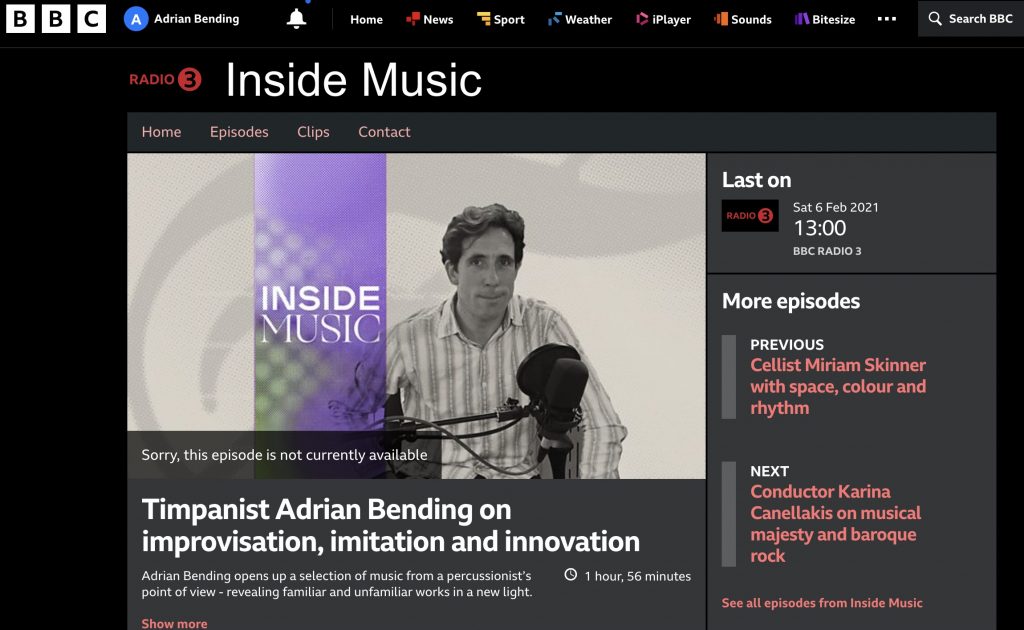
BBC Radio 3 ‘Inside Music’

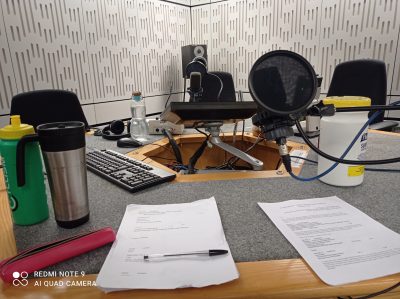
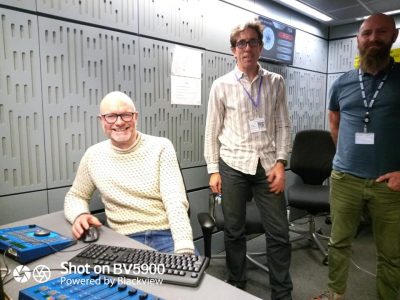
So enjoyable to be asked to devise two hours of radio and speak about some of my favourite music!  Huge thanks to Drew Leckie and Sam Phillips for being so brilliant, making me at ease and ensuring it all went smoothly.



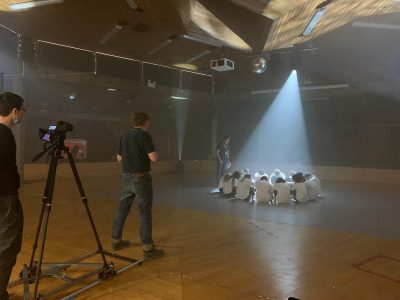
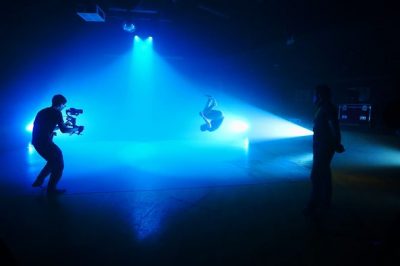
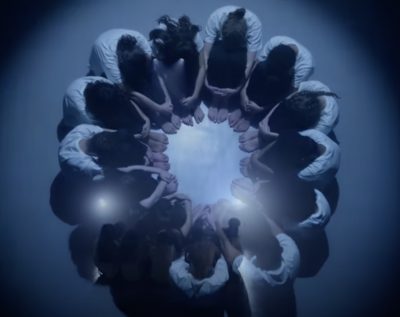
Rameau dance project at Acland Burghley School

Click here to read my blog.


BBC Radio 3 ‘Composer of the Week’

It was hugely enjoyable and an enormous privilege to be asked to undertake research for this programme and talk at length with the wonderful Donald McLeod!

https://www.bbc.com/mediacentre/proginfo/2020/34/composer-of-the-week


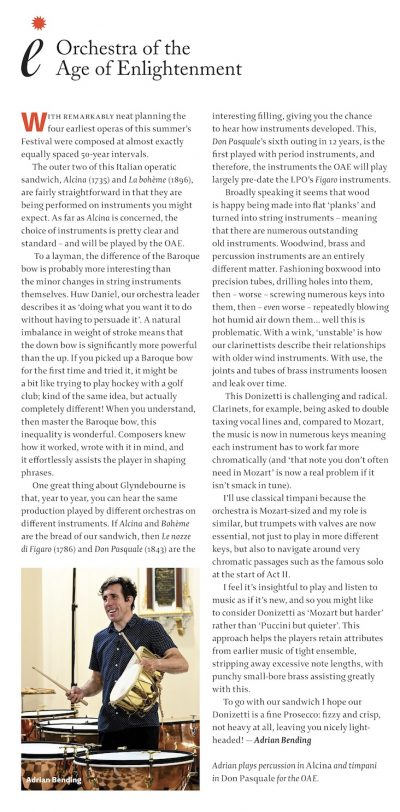
Article for Glyndebourne Festival programme book 2022

This article was written for the 2022 Glyndebourne Festival Opera programme book.  And I am very grateful to them for allowing me to show it here.
photos


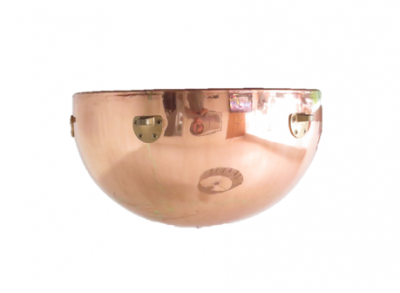
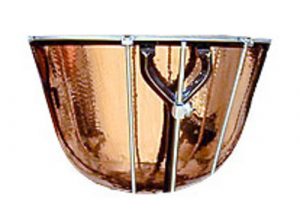
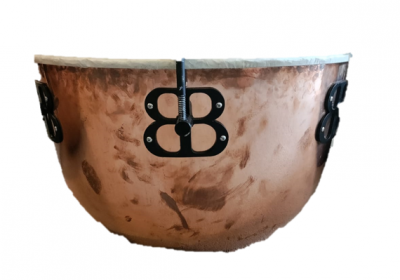
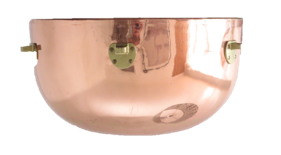
Timpani volume calculator

This programme was written by my brother!


Dr Thomas Bending, Associate Professor of Mathematics, Middlesex University

Watch this video to see how the programme works;

  1. Please note that this programme is for Windows only.
  2. Download DrumVolume.zip and extract the DrumVolume.exe file to a folder on your computer somewhere. Your computer may advise you not to download programmes from an unknown source.  There's not much I can do about this, apart from assure you there is nothing dangerous in this file!
  3. From 'My Computer' navigate to that folder and double-click on DrumVolume.exe. NB The application may take several seconds to start up.
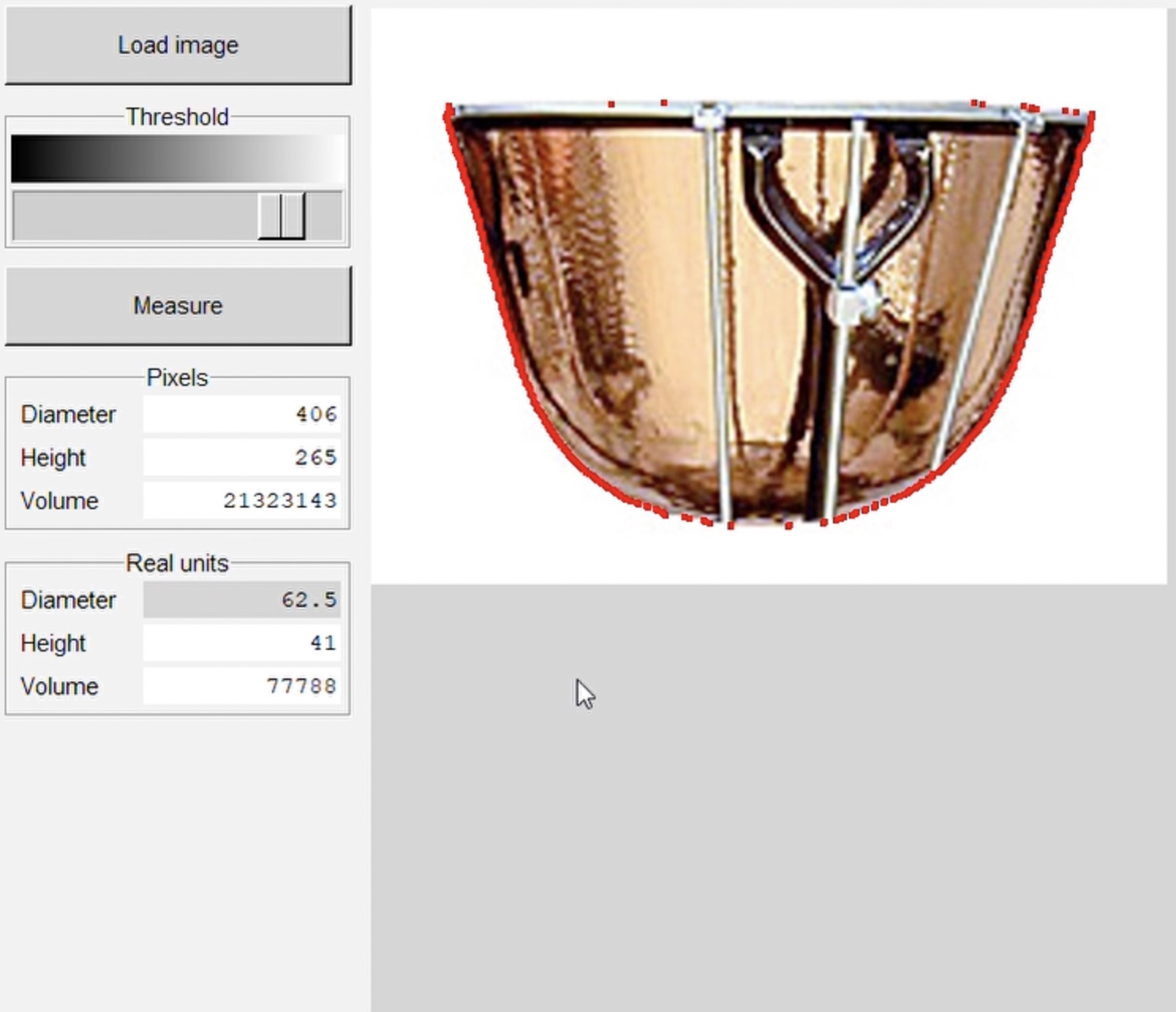
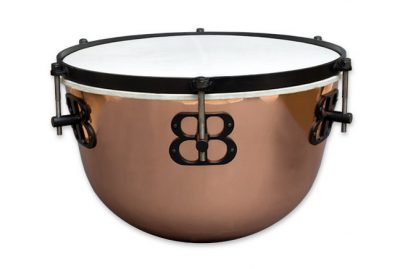
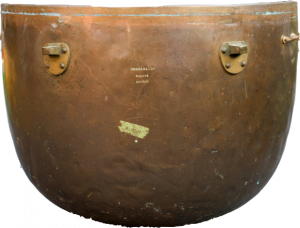
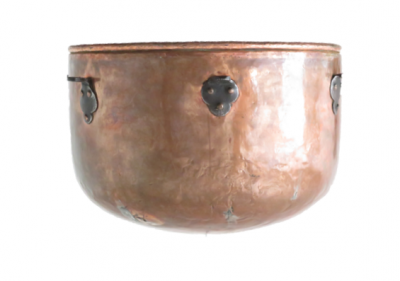
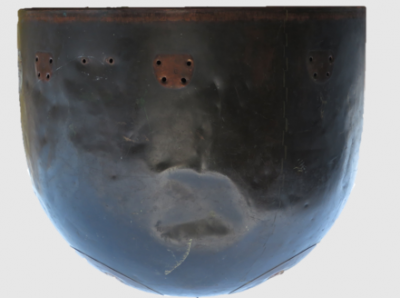
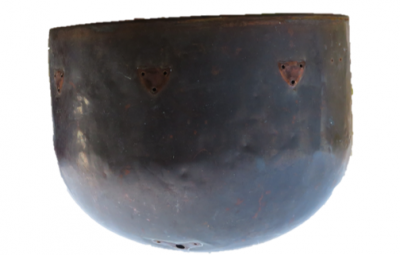
  4. Click 'Load image' and choose an image of a drum. You can upload your own or use one of mine from the folder on this website.
  5. Click 'Measure' to calculate the size of the drum. The outline of the measured volume is shown in red.
  6. The 'Pixels' section shows the dimensions measured in pixels. If you enter the real diameter of the drum in the 'Diameter' field in the 'Real units' section then that section will show the real dimensions. You can measure in inches or centimetres, but just type the number in the 'Diameter' field: don't include the unit.
  7. You can adjust the way that the image of the drum is analysed using the 'Threshold' slider. Any pixel that's darker than the slider's position counts as part of the drum, and any pixel that's lighter does not.

Things to note;

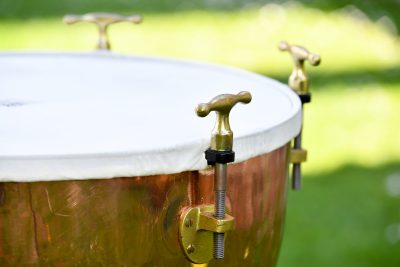
  1. When you are measuring your timpani make sure you measure across the actual bowl, not the counterhoop.  This will make a huge difference and a false measurement will give you a wildly different result.
  2. It is worth measuring all timpani.  Even if they are advertised as 25" they are probably a little less than that, and since the diameter you input is very important then it is worth getting this spot on.
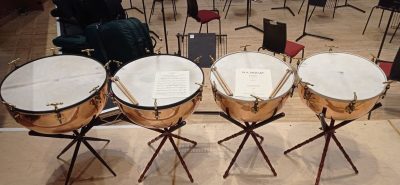
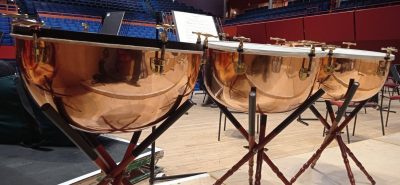
  3. If you have a pair or set of timpani it is necessary to photograph them all.  It is interesting how and by how much different manufacturers give the larger drums a relatively smaller bowl so that the volumes are closer than they would be if the bowls were exactly the same proportions.
  4. If you're taking photos of your own timpani; it is obviously better to take a photo of the bowl without the head and hoop on.  When you have taken the photo the more level you can adjust it to be the more accurate the results will be.  And where possible using the powerpoint and smart lasso techniques I talk about in the video, try to remove as many taps, legs etc as you can to improve accuracy.

photos


Our videos

Timpani

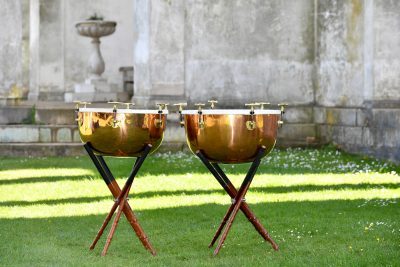
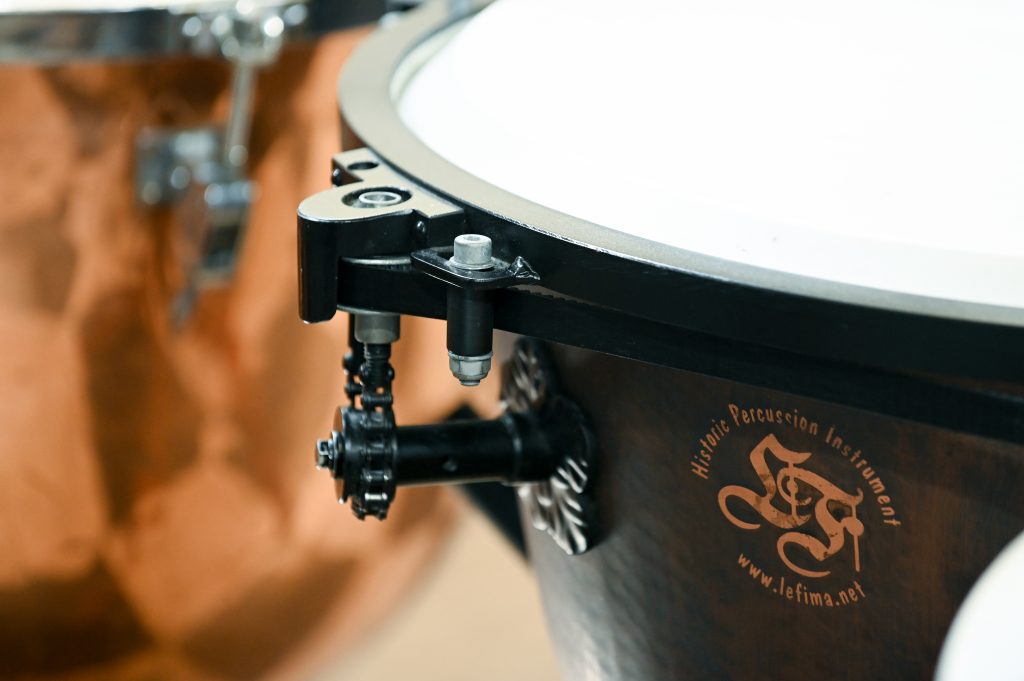
German style baqroque timpani by Potters
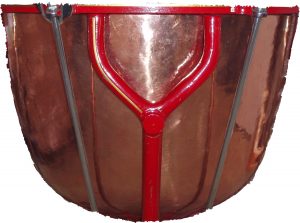
folder of timpani images


Dresden 24


Hawkes / Potters classical cutdown 24" (600mm)
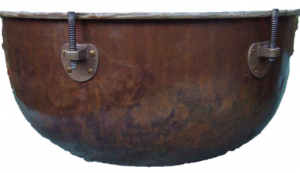
 

Hawkes / Potters baroque cutdown 24"
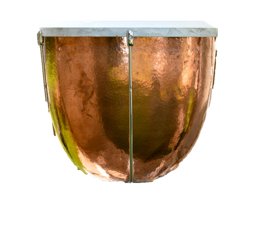


German style 20"
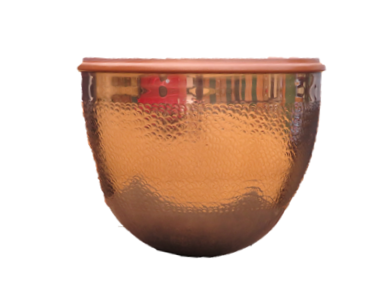
Ludwig pro-symphonic 23
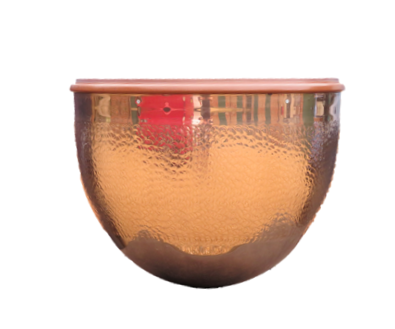
Ludwig pro-symphonic 26
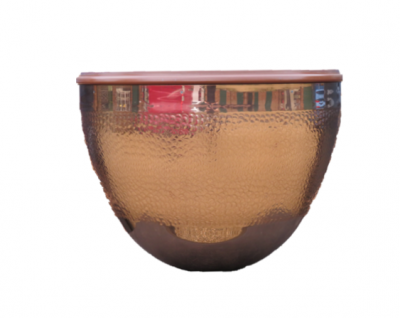
Ludwig pro-symphonic 29
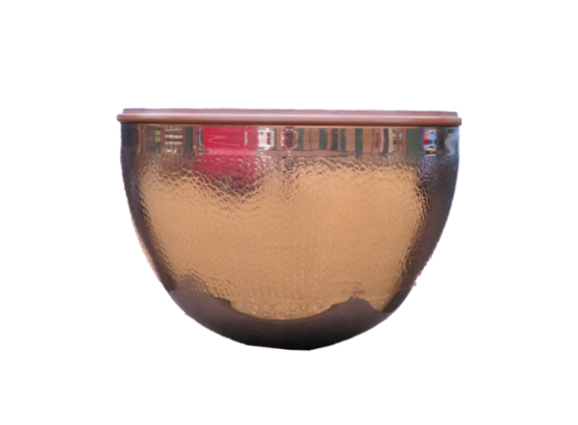


Ludwig pro-symphonic 32
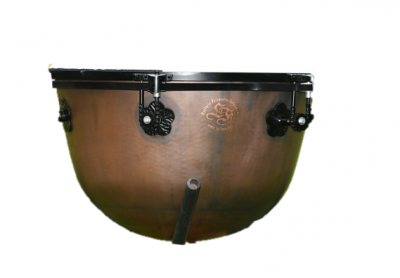


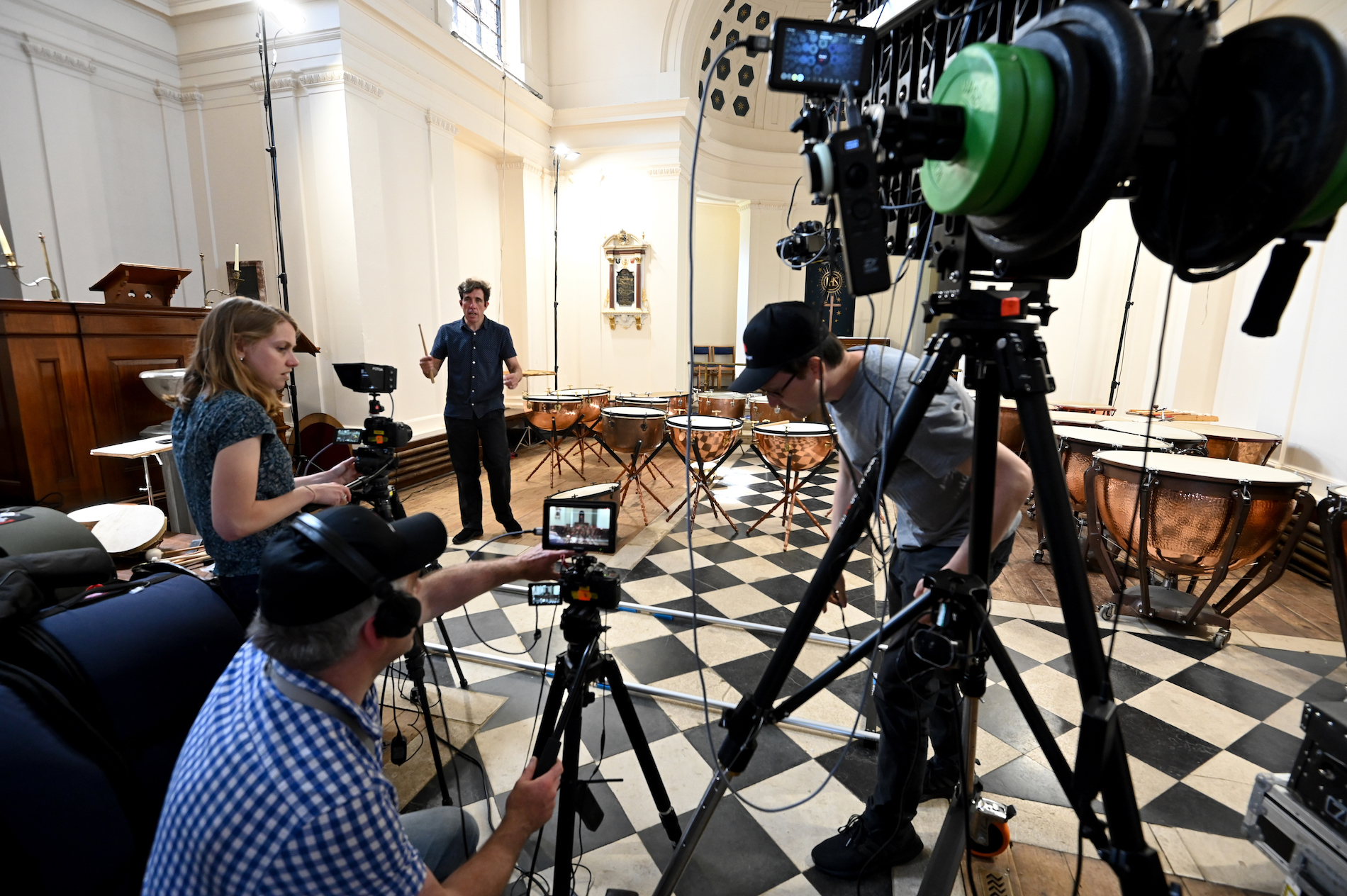
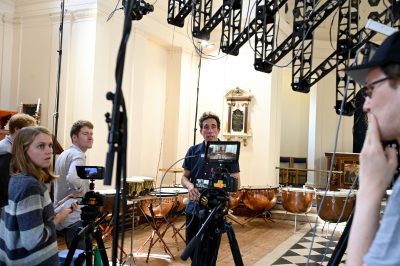
Making timpani videos

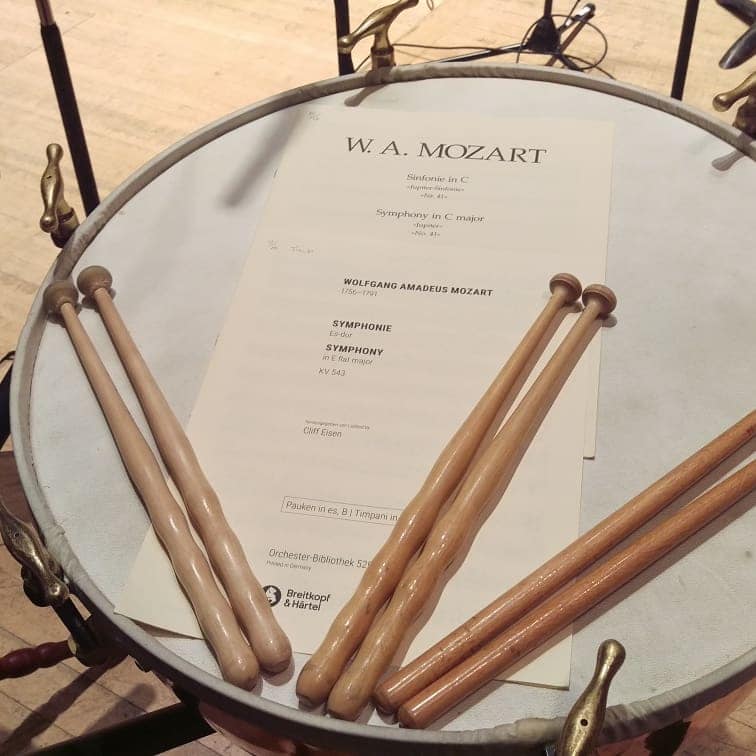
Letter to the audience: ‘Eroica’

photos and video


By continuing to browse you are agreeing to the use of cookies on this site. Read more about cookies and how to block them
0